


Before the event
Create the website, open registration and prepare exhibitors, speakers and sponsors.
Give your exhibition and conference a website people want to visit, a registration flow they can finish, and an operations team that works from the same records.
Read the setup guideEvery audience has a different journey. Your team should not have to rebuild the event around each one.
Create the website, open registration and prepare exhibitors, speakers and sponsors.
Use badges, check-in, schedules and participant spaces to keep the event moving.
Follow up on leads, reconcile invoices and build the reports your team needs.
Publish pages, design messages and shape participant spaces with your event’s fonts, colors and languages. Keep the control workspace familiar for your team.
 EventZunoSIBE 27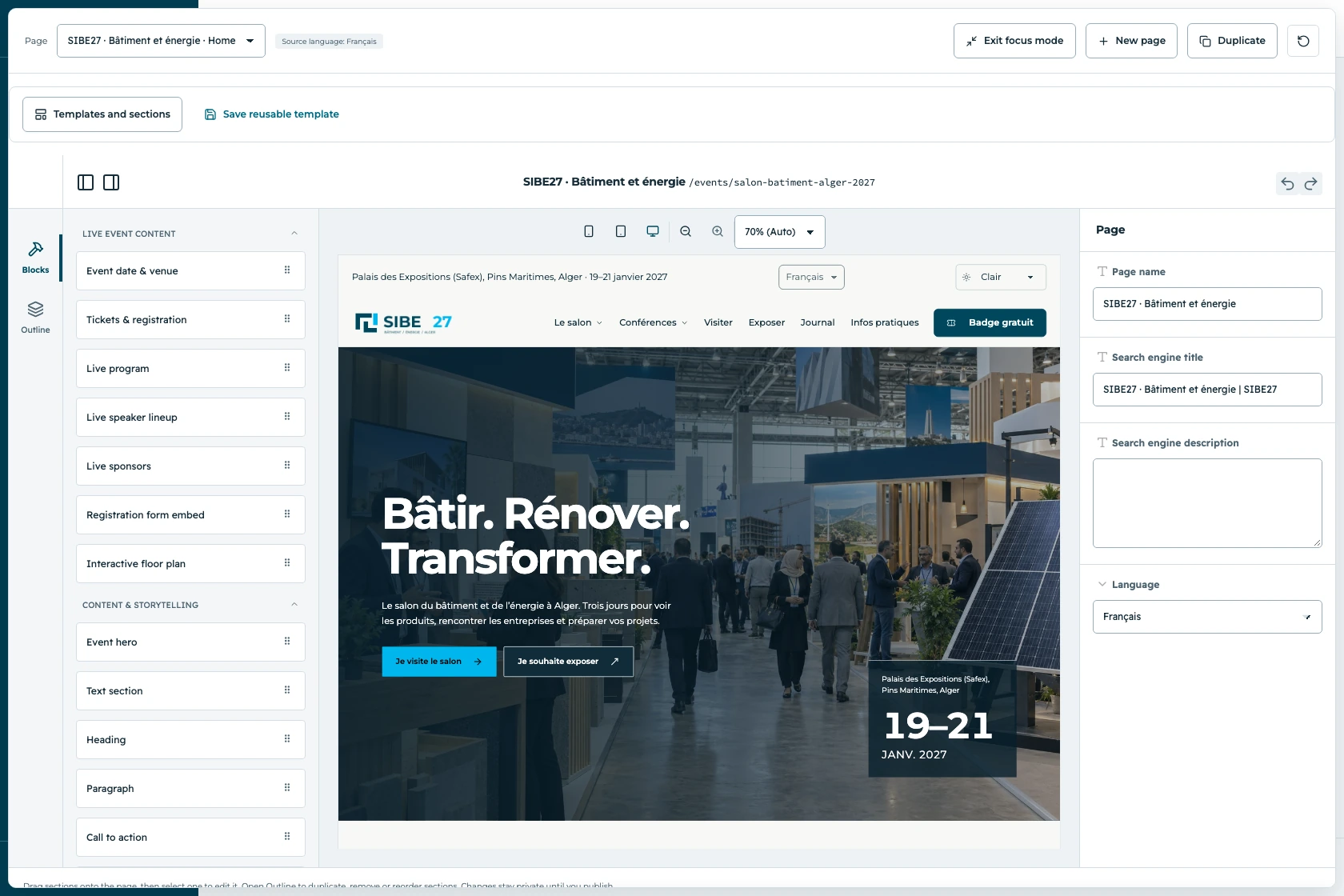
Choose the modules your event uses. See the workflow, controls and handoffs before deciding what to turn on.
A registration flow that fits your audience.
Explore this moduleMove exhibitors from interest to show-ready.
Explore this moduleA show floor your team can actually manage.
Explore this moduleA programme people can plan around.
Explore this moduleSend the right message to the right audience.
Explore this moduleConnect bookings to the numbers.
Explore this moduleEach client runs a separate deployment. Your team chooses its modules, audience permissions and event identity.
Translate the website and participant journeys. Arabic layouts follow right-to-left reading order.
A few practical answers before you plan your deployment.
Yes. Registration, exhibitors, floor plans, speakers and sessions use the same event context. Enable the modules your edition needs.
Your event has its own logo, colors, fonts, website pages and participant experience. Migration starts with a content and data review; existing pages are rebuilt with the website editor.
No. Choose the modules for your event and define what each staff role and participant audience can access. Digital live-event tools are optional and disabled by default.
The customer documentation has versioned guides in English, French and Arabic. Contextual help in the control workspace opens the guide for your installed release.

Bring your audience types, your floor plan and your registration rules. We’ll show how they fit together in EventZuno.